New theme going global – yay!
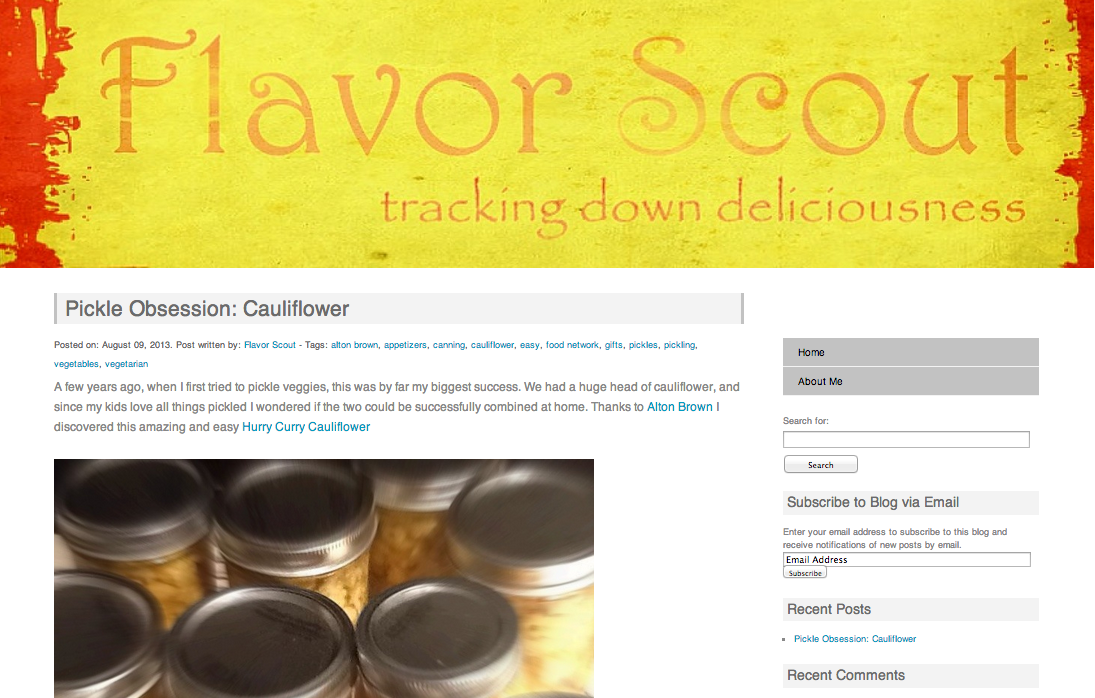
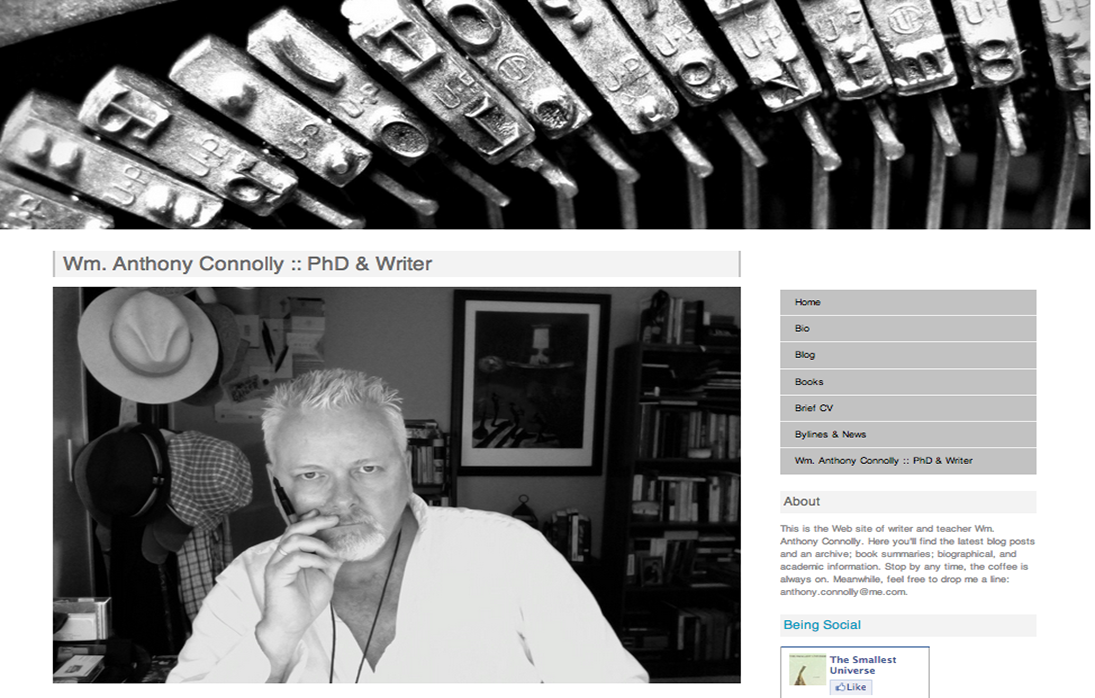
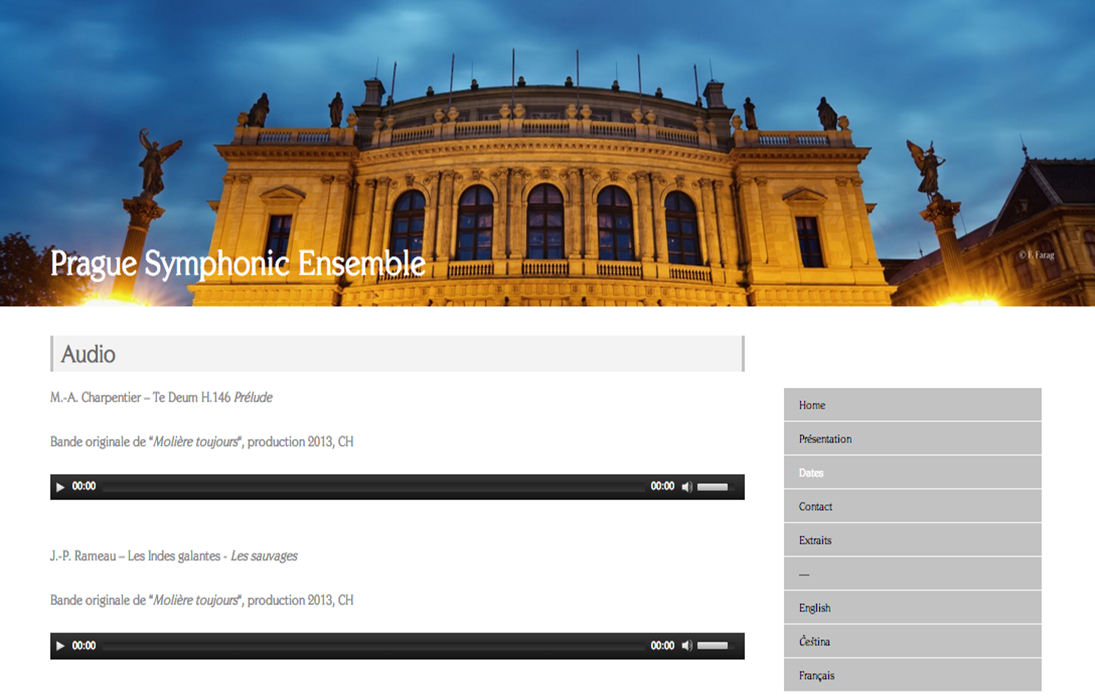
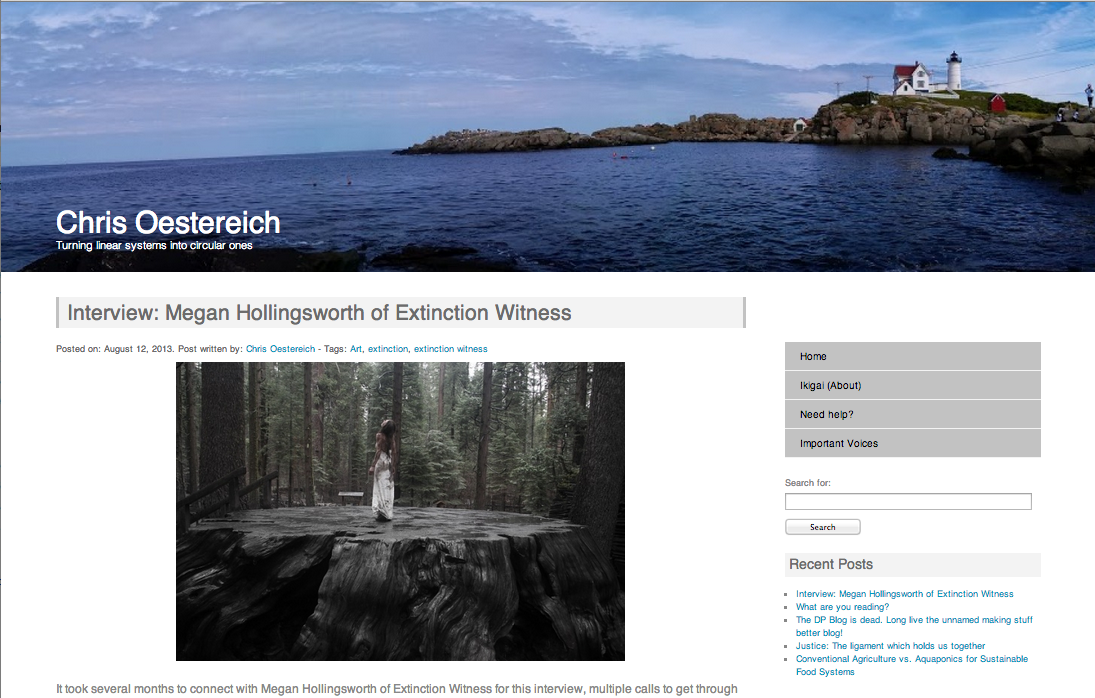
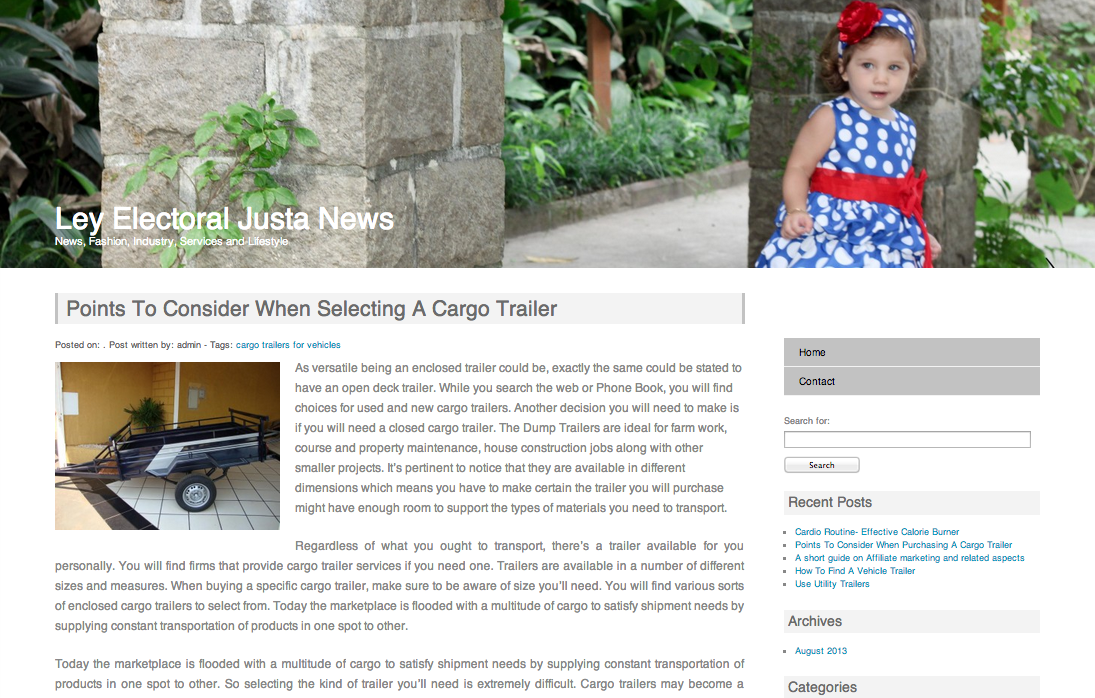
I’m really pleased with the reaction I’ve been getting with the launch of my first custom WordPress theme, Howard-Simple. As I write, and in only 6 days, it’s been download 2,071 times. That’s pretty cool and brings a big smile to my face.
The theme has been downloaded in countries far and wide from the USA to Russia to the Czech Republic.
If you haven’t taken a look yet then you can check it out here and see how my download count is going.
It’s WordCamp Vancouver this weekend so I’m looking forward to that and meeting lots of great WordPress guys. I’ll let you know how it went next week.
UPDATE October 2013: Howard-Simple now downloaded over 4000 times!
Hi Dave,
Congratulations on the success of your theme! I am happy to be one of your early users and look forward to seeing what the future brings.
I have a minor suggestion/request regarding the sidebar menu. The title, Home appears on the Home page itself, slightly unnecessary in my opinion. Ideally I would like whatever page you are on to NOT show in the menu, does that make sense?
All the best and enjoy the WordPress workshop!
John
Hey John
Thanks for downloading the theme, I’m glad you’re enjoying it. To keep up to date with any future updates and new themes from me please follow me on twitter.
Regarding your comment about the page titles I would suggest you do the following. Go to your WordPress Dashboard and click on Appearance>Edit CSS. In the CSS editor (underneath all of the comments in there) copy and paste the following.
h2.post-title {
display: none;
}
This will remove all of the titles to your pages and posts when you click on the page in your menu navigation. Oh and don’t forget to click ‘Save Stylesheet’!
If you have any other problems then there are many answers to this and others in the WordPress support forums.
Thanks again John!
Hi Dave,
Thanks for reply, am following on Twitter now.
Think my question was badly worded. It is not the page titles I want to remove, that bit I am ok with thanks.
No, it is the titles in the nav menu.
For instance when you are on the Home page, the nav menu displays Home.
It is only a minor point.
I prefer nav menus not displaying the current page, but then I am slightly OCD 🙂
The forums are an excellent place for assistance, I have picked up some good tips from them
Best wishes